Form
A SwiftUI Form component for collecting user input in a structured layout. Also called FieldGroup (Universal).
Expo UI Form matches the official SwiftUI Form API. It provides a container for grouping controls used for data entry, such as in settings or inspection panes.
Usage
Basic form
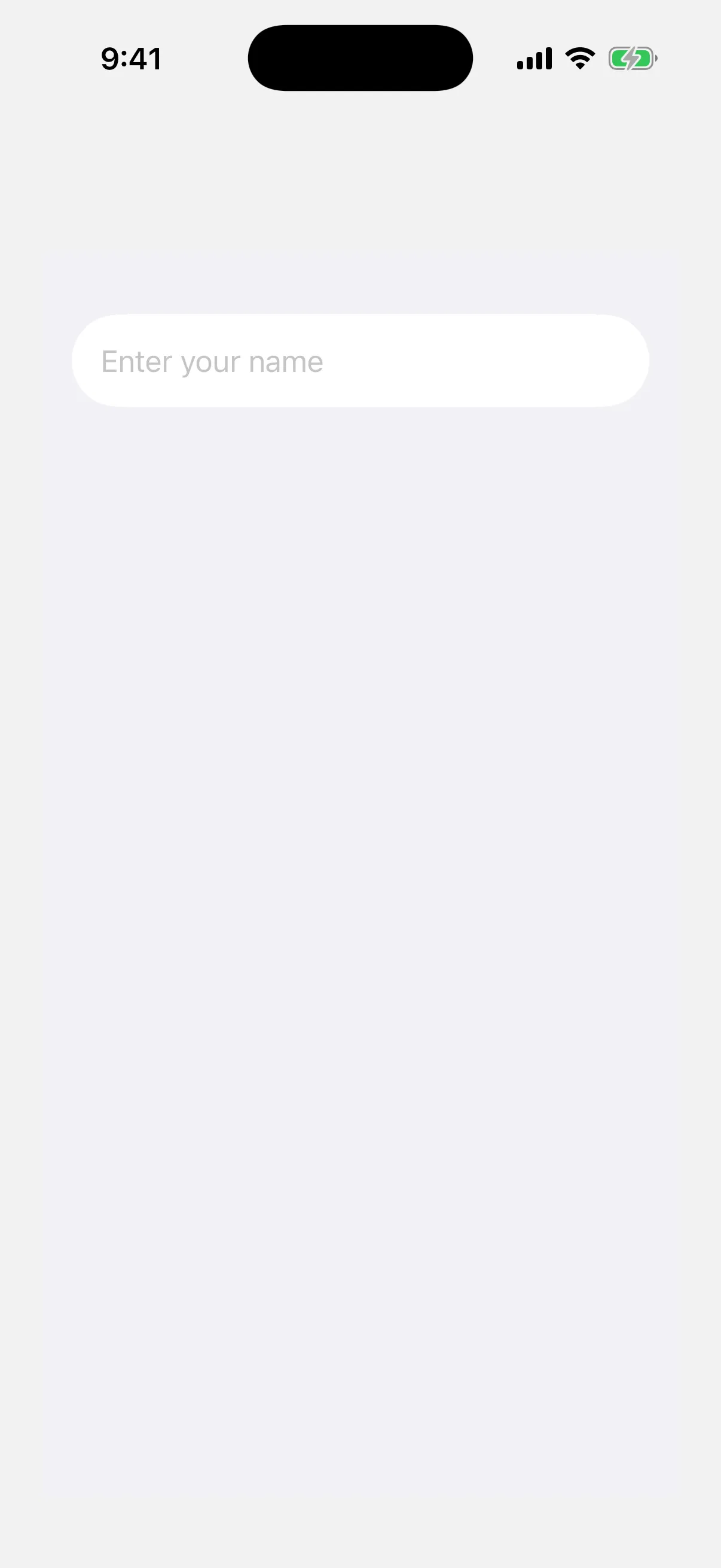

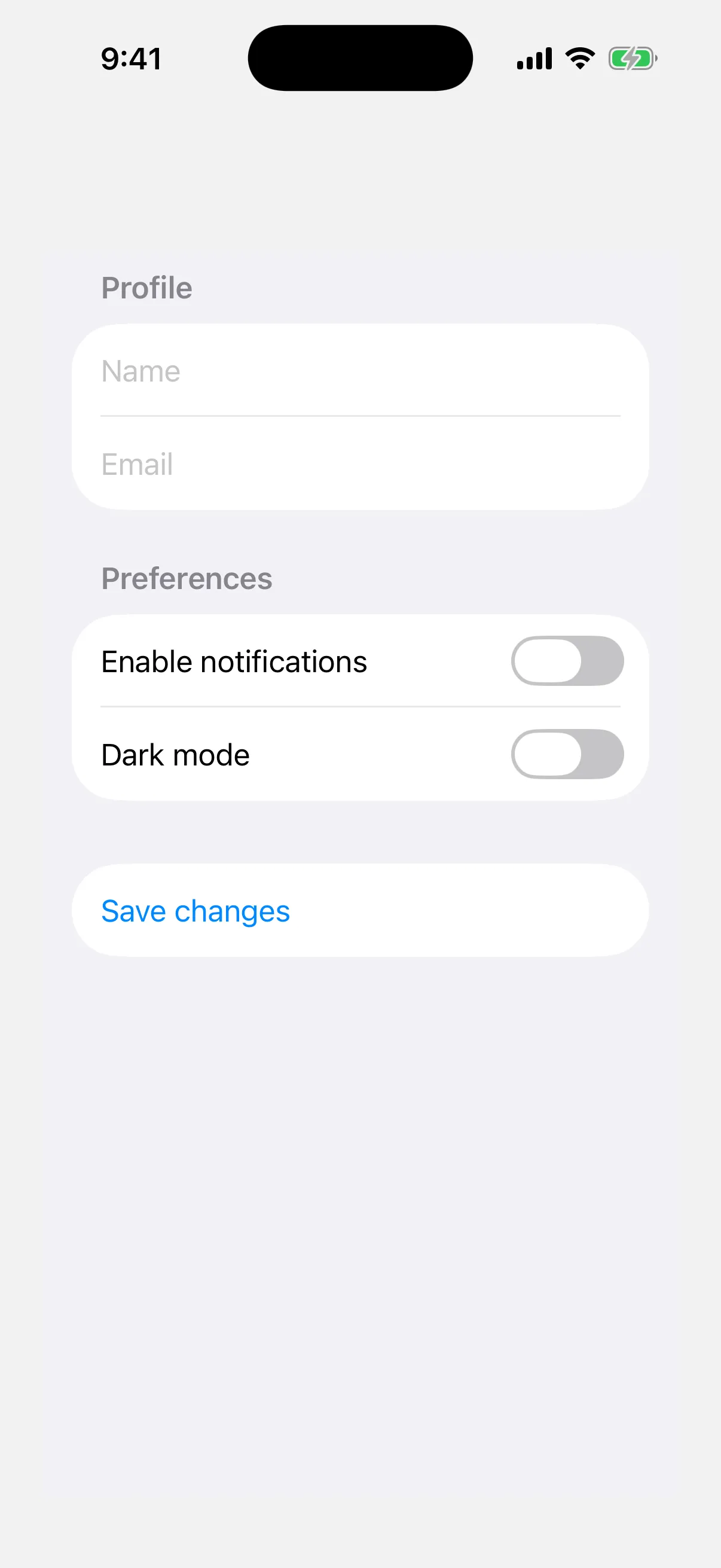
Form with sections
Use the Section component to group related controls within a form.
import { useState } from 'react';
import {
  Host,
  Form,
  Section,
  TextField,
  Toggle,
  Button,
} from '@expo/ui/swift-ui';

export default function FormWithSectionsExample() {
  const [notifications, setNotifications] = useState(false);
  const [darkMode, setDarkMode] = useState(false);

  return (
    <Host style={{ flex: 1 }}>
      <Form>
        <Section title="Profile">
          <TextField placeholder="Name" />
          <TextField placeholder="Email" />
        </Section>

        <Section title="Preferences">
          <Toggle
            label="Enable notifications"
            isOn={notifications}
            onIsOnChange={setNotifications}
          />
          <Toggle
            label="Dark mode"
            isOn={darkMode}
            onIsOnChange={setDarkMode}
          />
        </Section>

        <Section>
          <Button
            label="Save changes"
            onPress={() => console.log('Saved!')}
          />
        </Section>
      </Form>
    </Host>
  );
}
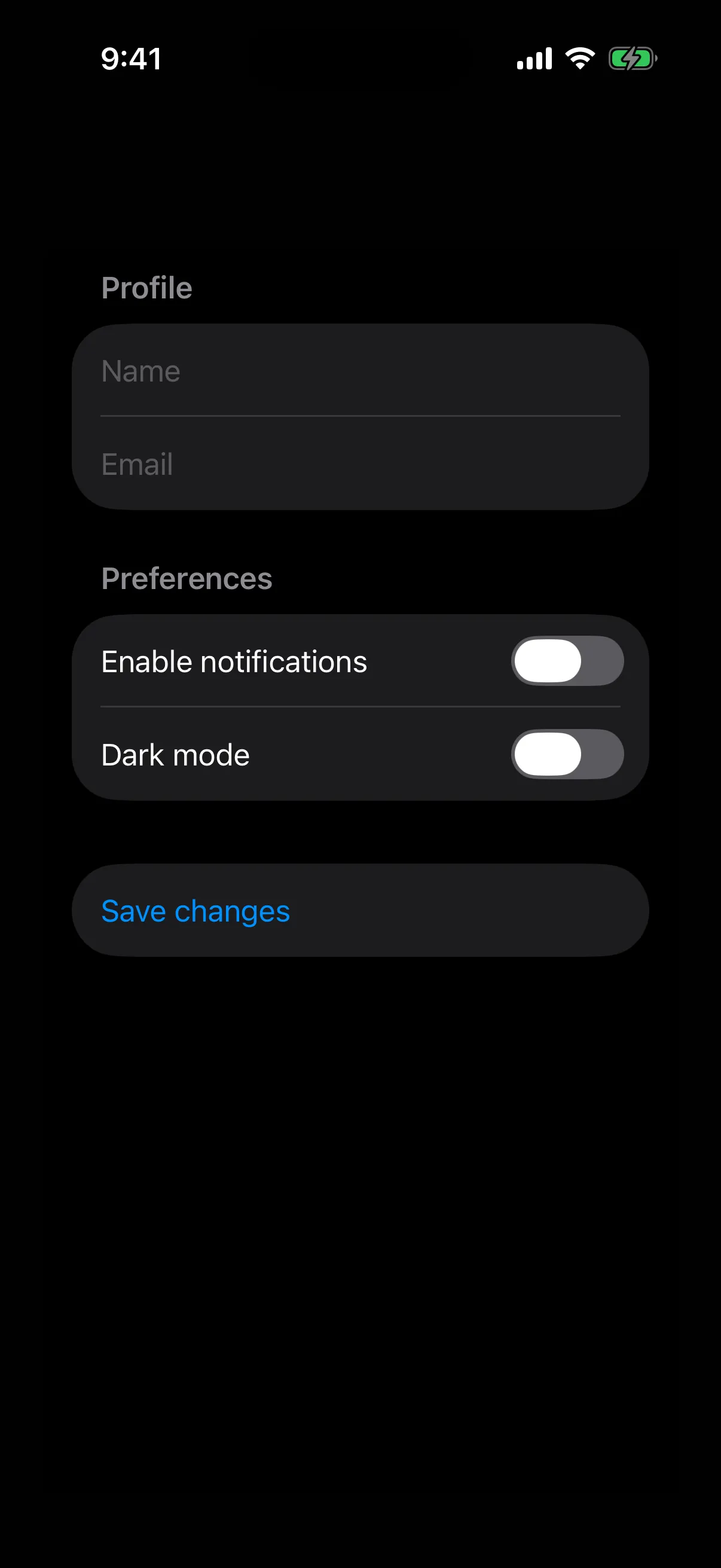
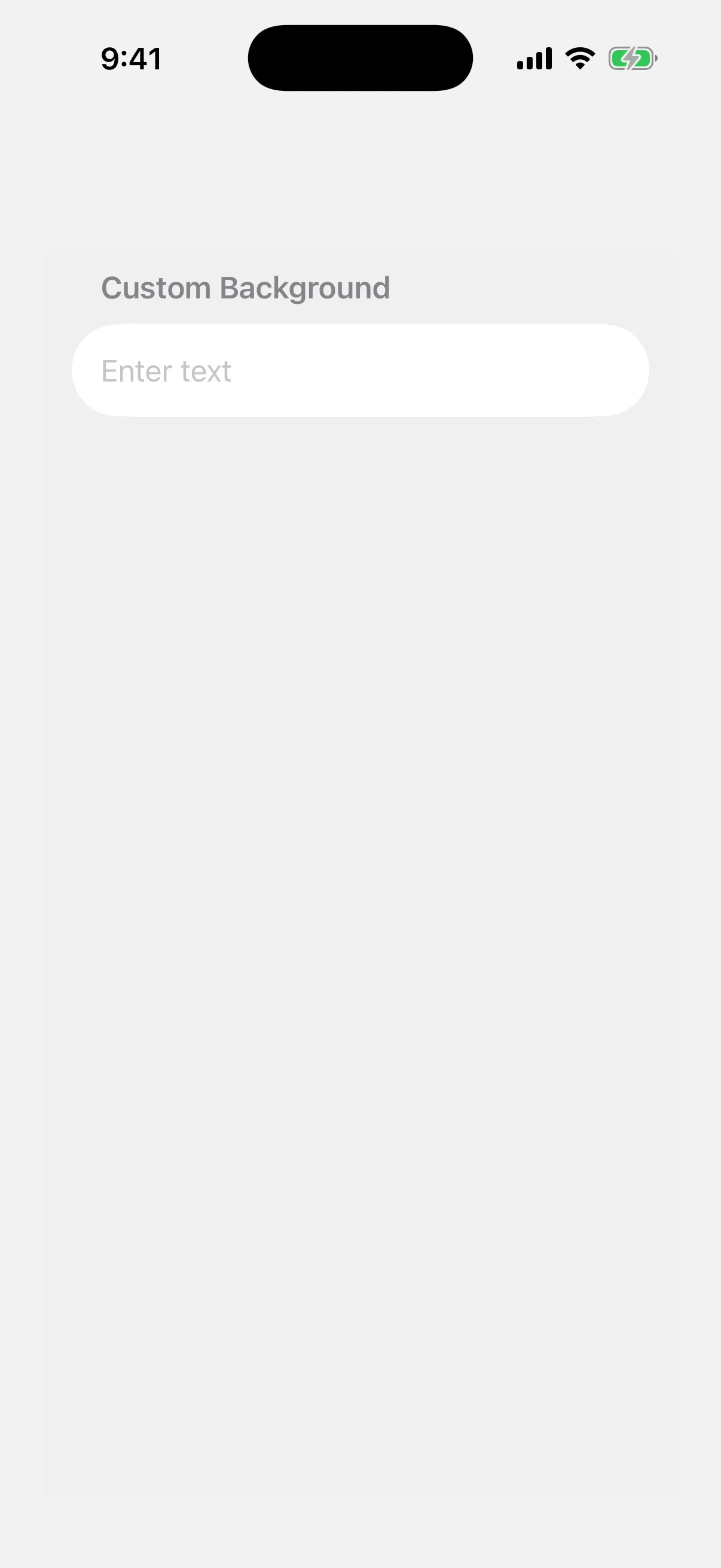
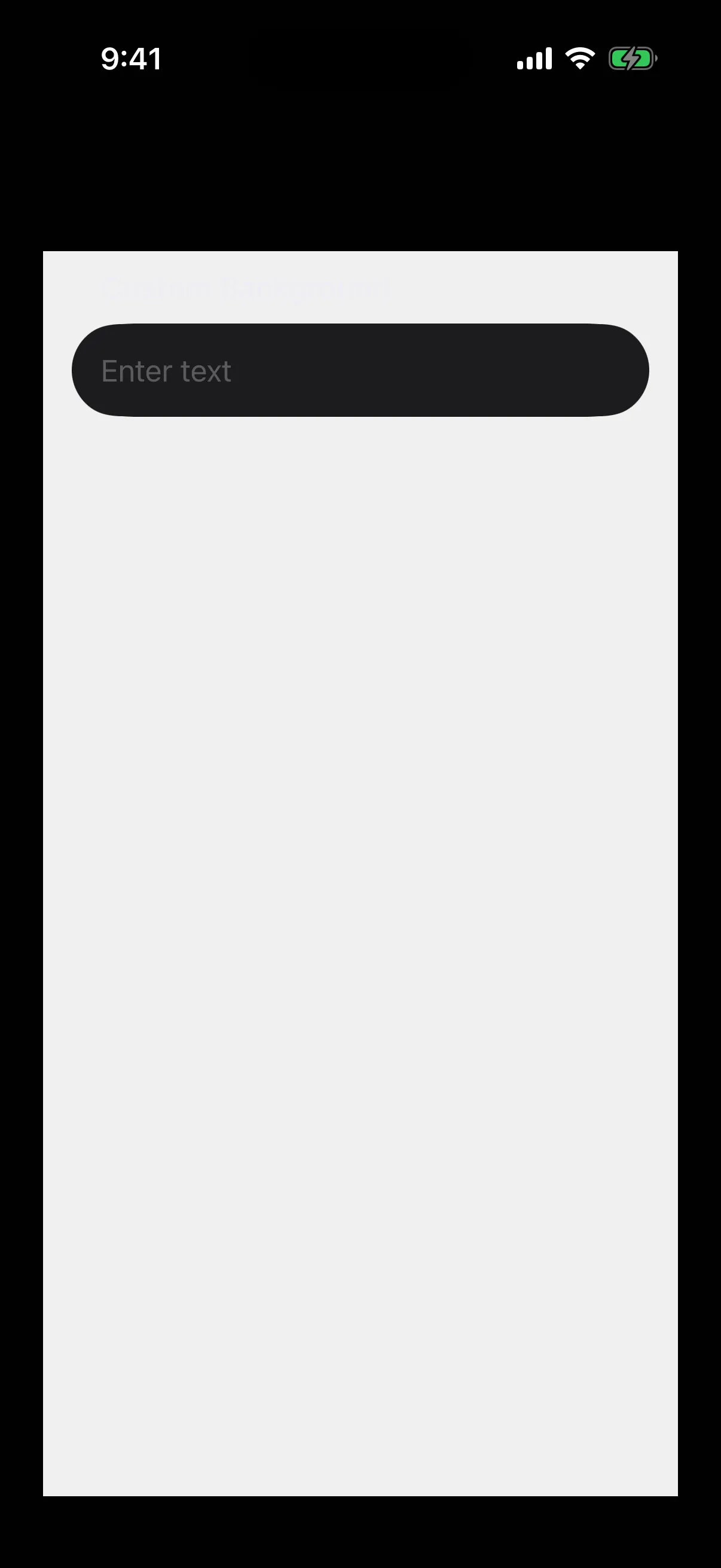
Form with custom background
Use the scrollContentBackground modifier to customize or hide the form's background.
import { Host, Form, Section, TextField } from '@expo/ui/swift-ui';
import {
  scrollContentBackground,
  background,
} from '@expo/ui/swift-ui/modifiers';

export default function FormBackgroundExample() {
  return (
    <Host style={{ flex: 1 }}>
      <Form
        modifiers={[
          scrollContentBackground('hidden'),
          background('#F0F0F0'),
        ]}>
        <Section title="Custom Background">
          <TextField placeholder="Enter text" />
        </Section>
      </Form>
    </Host>
  );
}
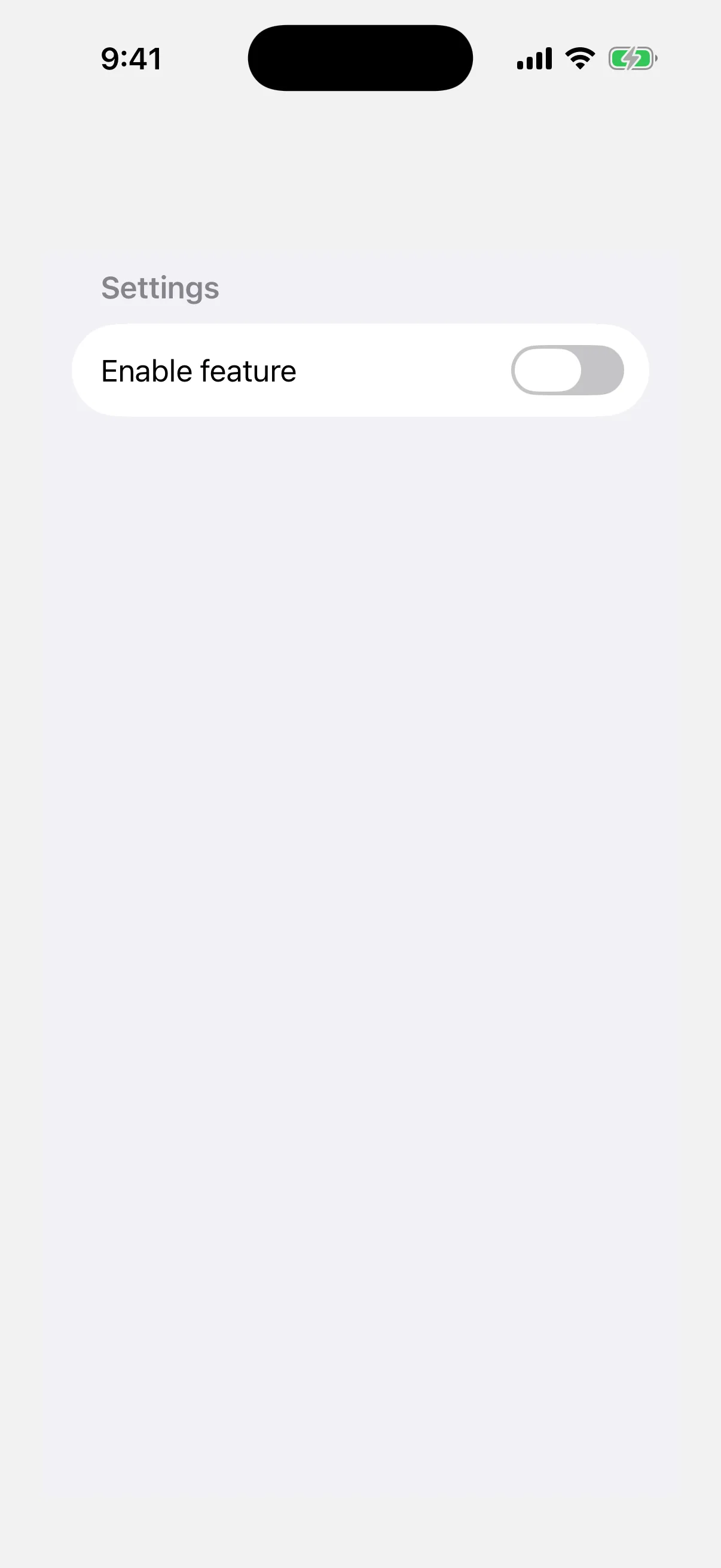
Non-scrollable form
Use the scrollDisabled modifier to prevent the form from scrolling.
Note: The
scrollDisabledmodifier is only available on iOS 16+ and tvOS 16+.
import { useState } from 'react';
import {
  Host,
  Form,
  Section,
  TextField,
  Toggle,
} from '@expo/ui/swift-ui';
import { scrollDisabled } from '@expo/ui/swift-ui/modifiers';

export default function NonScrollableFormExample() {
  const [isOn, setIsOn] = useState(false);

  return (
    <Host style={{ flex: 1 }}>
      <Form modifiers={[scrollDisabled()]}>
        <Section title="Settings">
          <Toggle
            label="Enable feature"
            isOn={isOn}
            onIsOnChange={setIsOn}
          />
        </Section>
      </Form>
    </Host>
  );
}

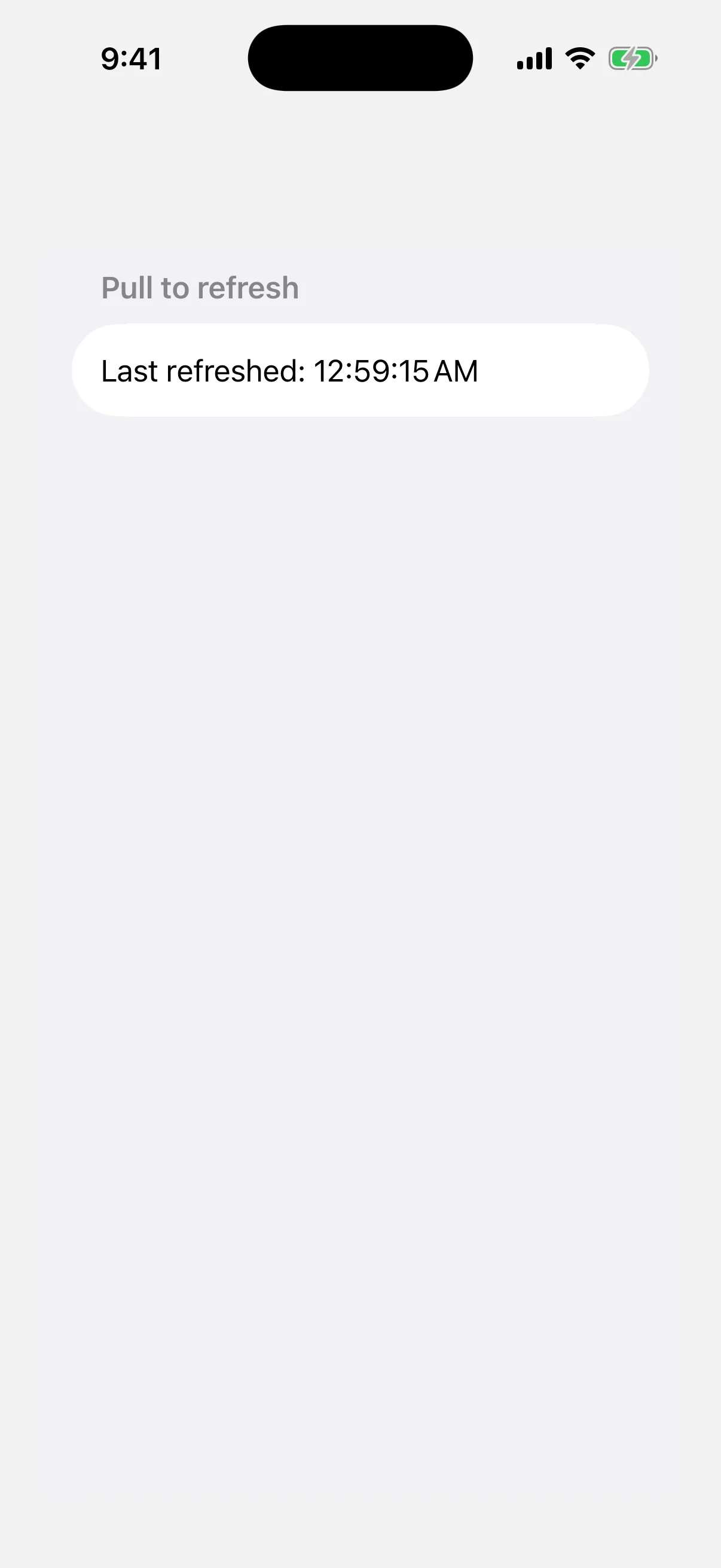
Pull-to-refresh form
Use the refreshable modifier to add pull-to-refresh functionality.
import { useState, useCallback } from 'react';
import { Host, Form, Section, Text } from '@expo/ui/swift-ui';
import { refreshable } from '@expo/ui/swift-ui/modifiers';

export default function RefreshableFormExample() {
  const [lastRefresh, setLastRefresh] = useState(new Date());

  const handleRefresh = useCallback(async () => {
    // Simulate network request
    await new Promise(resolve => setTimeout(resolve, 1500));
    setLastRefresh(new Date());
  }, []);

  return (
    <Host style={{ flex: 1 }}>
      <Form modifiers={[refreshable(handleRefresh)]}>
        <Section title="Pull to refresh">
          <Text>
            Last refreshed: {lastRefresh.toLocaleTimeString()}
          </Text>
        </Section>
      </Form>
    </Host>
  );
}

API
import { Form } from '@expo/ui/swift-ui';Component
Form
Type: React.Element<FormProps>
FormProps
children
Type: ReactNode
The content of the form.
Inherited props
Modifiers
Use these modifiers in the modifiers prop of the SwiftUI and Universal version.
Expo UI lets you put any of the 89 modifiers for any view on Form, but not all of them do something here.
- 74 change what you see on Form.
- 2 work, but not in the way that you may expect.
- 2 have no visible effect on Form.
- 13 work only in one place, such as a widget or a
Grid.
Best modifiers for Form
These modifiers are made for Form, or they are the ones that you use most with it.
defaultScrollAnchoriOS 17+defaultScrollAnchorForRoleiOS 18+listRowBackgroundlistRowInsetslistRowSeparatorlistRowSeparatorTintlistRowSpacingiOS 15+listSectionMarginsiOS 26+listSectionSpacingiOS 17+onScrollPhaseChangeiOS 18+refreshablescrollContentBackgroundscrollDisablediOS 16+scrollDismissesKeyboardiOS 16+scrollIndicatorsiOS 16+scrollPositioniOS 17+scrollTargetBehavioriOS 17+environmentframepadding
Also works on Form
Form takes these modifiers too, and each one works in the usual way.
accessibilityAddTraitsaccessibilityElementaccessibilityHiddenaccessibilityHintaccessibilityIdentifieraccessibilityInputLabelsaccessibilityLabelaccessibilityRemoveTraitsaccessibilityValueallowsTighteninganimationaspectRatioblurboldborderbrightnessclippedclipShapecolorInvertcontainerRelativeFrameiOS 17+containerShapecontentShapecontentTransitioniOS 16+contrastcornerRadiusdisableddynamicTypeSizefixedSizefontforegroundColorforegroundStylegeometryGroupiOS 17+glassEffectgrayscalehiddenhueRotationidignoreSafeAreaimageScaleitalickerninglineHeightiOS 26+lineLimitlineSpacingluminanceToAlphamaskminimumScaleFactormonospacedDigitmultilineTextAlignmentoffsetonAppearonDisappearonGeometryChangeonLongPressGestureonTapGestureopacityoverlayredactedrotation3DEffectrotationEffectsaturationscaleEffectshadowstrikethroughstrokeBordertextCasetinttruncationModeunderline
Needs care on Form
These modifiers work on Form, but not in the way that you may expect.
| Modifier | What to know |
|---|---|
background | List and Form draw their own background on top. Add scrollContentBackground('hidden') to see it. |
backgroundOverlay | List and Form draw their own background on top. Add scrollContentBackground('hidden') to see it. |
No visible effect on Form
Form accepts these modifiers, but you see no change. They do not give an error.
| Modifier | Why nothing happens |
|---|---|
layoutPriority | It has an effect only when the view shares an axis with other views in a stack. |
zIndex | It changes the order of views that cover each other in the same parent, and Form does not stack its children. |
Only in some places
These modifiers work only in a widget, in a Grid, in a Namespace or in a parent that asks for them.
| Modifier | Where it works |
|---|---|
activityBackgroundTint | Works only in a Live Activity. It has no effect in the app. |
alignmentGuide | Has an effect only when the parent, such as a VStack or ZStack, aligns its children by the same guide. |
containerBackground | Works only in a widget, or in a navigation container when you use a navigation placement. |
glassEffectId | Works only on a view that also has glassEffect, in a GlassEffectContainer and a Namespace. |
gridCellAnchor iOS 16+ | Works only on a cell of a Grid. Grid is in @expo/ui/swift-ui, but it has no Expo docs page. |
gridCellColumns | Works only on a view in a Grid.Row. Grid is in @expo/ui/swift-ui, but it has no Expo docs page. |
gridCellUnsizedAxes | Works only on a view in a Grid. Grid is in @expo/ui/swift-ui, but it has no Expo docs page. |
gridColumnAlignment iOS 16+ | Works only on a view in a Grid.Row. Grid is in @expo/ui/swift-ui, but it has no Expo docs page. |
invalidatableContent iOS 17+ | Has an effect only when a parent view uses redacted with the invalidated reason. |
matchedGeometryEffect | Works only in a Namespace. Give two views the same id and change between them with an animation. |
privacySensitive | Has an effect only when a parent view uses redacted with the privacy reason. |
unredacted | Has an effect only in a parent view that uses redacted. |
widgetURL | Works only in a widget. It has no effect in the app. |
Sources
The original Expo docs for this page:
- Form (SwiftUI) (
source-of-truth/versions/v57.0.0/sdk/ui/swift-ui/form.md) - Form (Universal) (
source-of-truth/versions/v57.0.0/sdk/ui/universal/fieldgroup.md)