LazyVStack
A SwiftUI LazyVStack component for lazy vertical layouts.
Expo UI LazyVStack matches the official SwiftUI LazyVStack API and arranges its children vertically, creating items only as needed (when they become visible during scrolling).
LazyVStackis not truly lazy yet: the native side only builds visible items, but React still creates every child up front, so large lists can be slow to mount. We are working on improving this. For large lists, we recommend FlashList or Legend List.
Usage
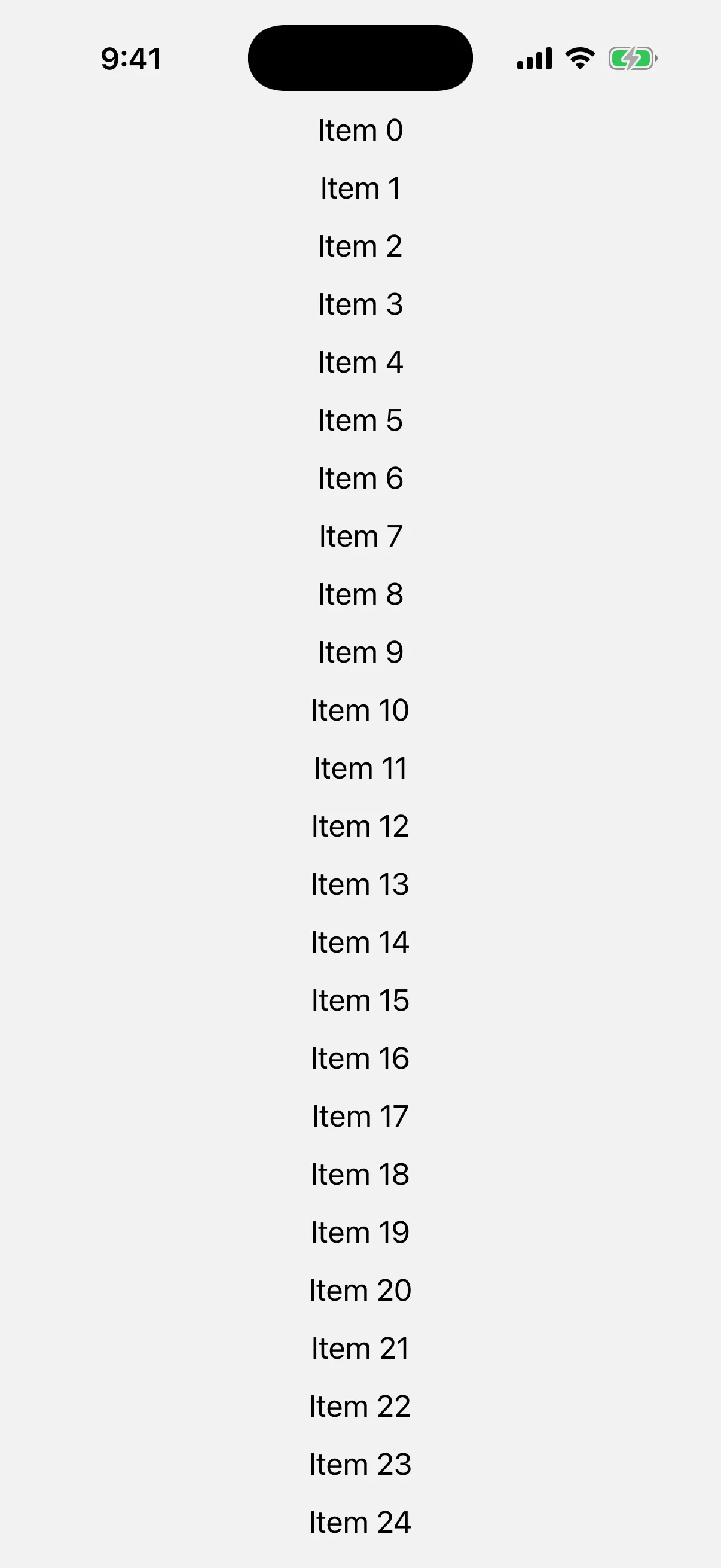
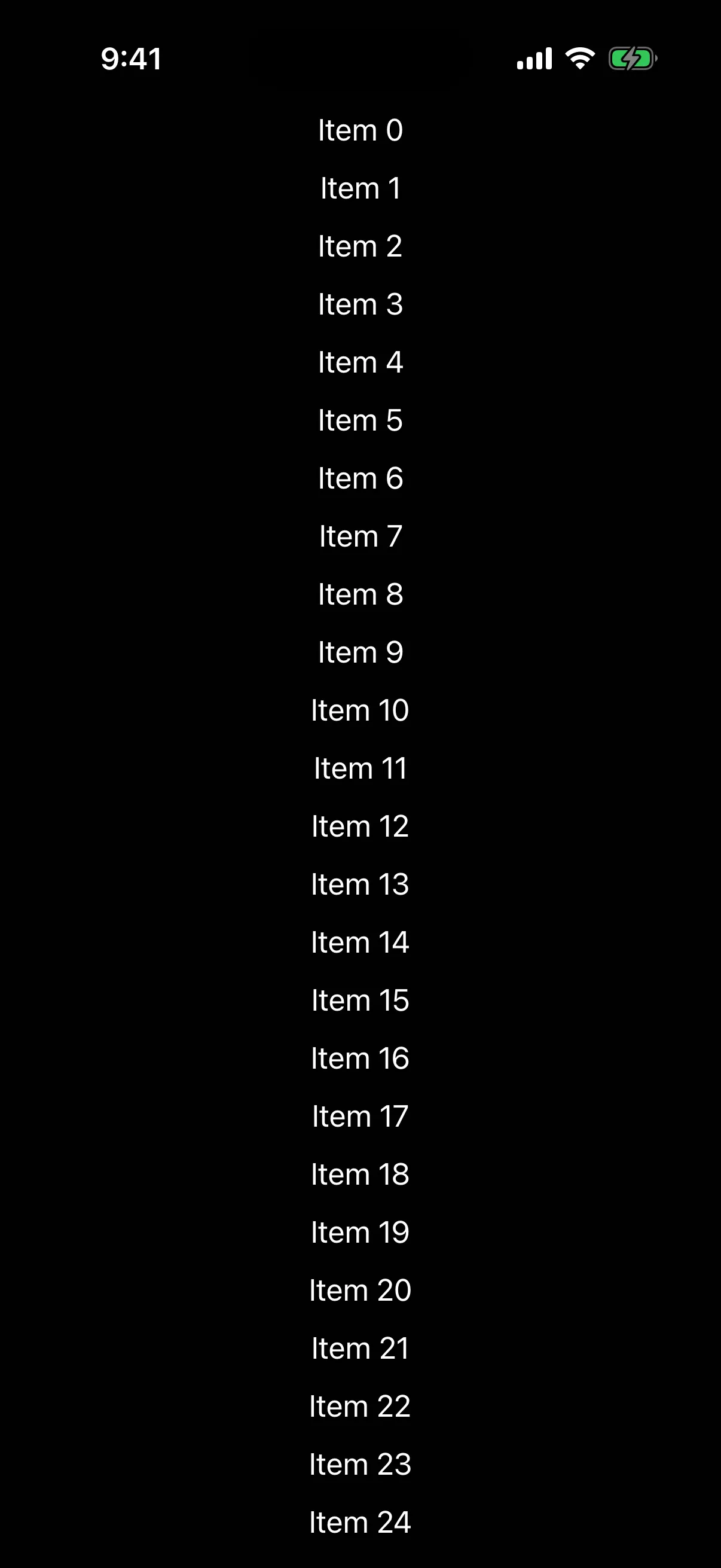
Basic lazy vertical stack
LazyVStack should be used inside a ScrollView to enable lazy rendering.
import {
  Host,
  ScrollView,
  LazyVStack,
  Text,
} from '@expo/ui/swift-ui';

export default function BasicLazyVStackExample() {
  return (
    <Host style={{ flex: 1 }}>
      <ScrollView>
        <LazyVStack spacing={12}>
          {Array.from({ length: 100 }, (_, i) => (
            <Text key={i}>{`Item ${i}`}</Text>
          ))}
        </LazyVStack>
      </ScrollView>
    </Host>
  );
}
With alignment
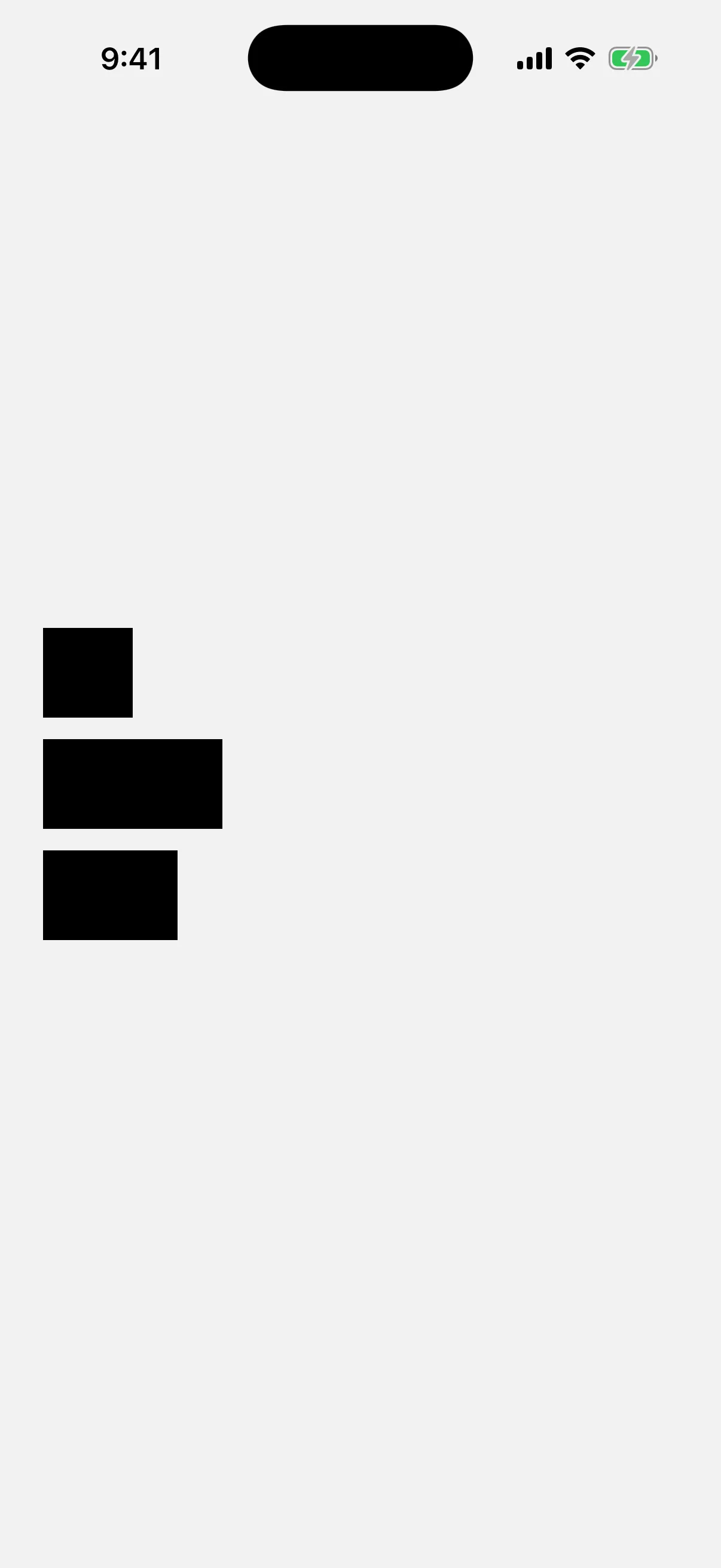
The alignment prop controls horizontal alignment of children. Available options are: leading, center, and trailing.
import {
  Host,
  ScrollView,
  LazyVStack,
  Rectangle,
} from '@expo/ui/swift-ui';
import { frame } from '@expo/ui/swift-ui/modifiers';

export default function LazyVStackAlignmentExample() {
  return (
    <Host
      matchContents={{ vertical: true }}
      style={{ width: '100%' }}>
      <ScrollView>
        <LazyVStack spacing={12} alignment="leading">
          <Rectangle
            modifiers={[frame({ width: 50, height: 50 })]}
          />
          <Rectangle
            modifiers={[frame({ width: 100, height: 50 })]}
          />
          <Rectangle
            modifiers={[frame({ width: 75, height: 50 })]}
          />
        </LazyVStack>
      </ScrollView>
    </Host>
  );
}

API
import { LazyVStack } from '@expo/ui/swift-ui';Component
LazyVStack
Type: React.Element<LazyVStackProps>
LazyVStackProps
alignment
Optional • Literal type: string
The horizontal alignment of children within the stack.
Acceptable values are: 'center' | 'leading' | 'trailing'
children
Type: ReactNode
spacing
Optional • Type: number
The spacing between children.
Inherited props
Modifiers
Use these modifiers in the modifiers prop of the SwiftUI version.
Expo UI lets you put any of the 89 modifiers for any view on LazyVStack, but not all of them do something here.
- 75 change what you see on LazyVStack.
- 2 work, but not in the way that you may expect.
- 1 have no visible effect on LazyVStack.
- 13 work only in one place, such as a widget or a
Grid.
Best modifiers for LazyVStack
These modifiers are made for LazyVStack, or they are the ones that you use most with it.
scrollTargetLayoutiOS 17+backgroundcontainerRelativeFrameiOS 17+frameidpadding
Also works on LazyVStack
LazyVStack takes these modifiers too, and each one works in the usual way.
accessibilityAddTraitsaccessibilityElementaccessibilityHiddenaccessibilityHintaccessibilityIdentifieraccessibilityInputLabelsaccessibilityLabelaccessibilityRemoveTraitsaccessibilityValueallowsTighteninganimationaspectRatiobackgroundOverlayblurboldborderbrightnessclippedclipShapecolorInvertcontainerShapecontentShapecontentTransitioniOS 16+contrastcornerRadiusdisableddynamicTypeSizeenvironmentfixedSizefontforegroundColorforegroundStylegeometryGroupiOS 17+glassEffectgrayscalehiddenhueRotationignoreSafeAreaimageScaleitalickerninglayoutPrioritylineHeightiOS 26+lineLimitlineSpacingluminanceToAlphamaskminimumScaleFactormonospacedDigitmultilineTextAlignmentoffsetonAppearonDisappearonGeometryChangeopacityoverlayredactedrotation3DEffectrotationEffectsaturationscaleEffectshadowstrikethroughstrokeBordertextCasetinttruncationModeunderline
Needs care on LazyVStack
These modifiers work on LazyVStack, but not in the way that you may expect.
| Modifier | What to know |
|---|---|
onLongPressGesture | Touches on the empty space between children are not detected. Add contentShape('rectangle') before this modifier. |
onTapGesture | Touches on the empty space between children are not detected. Add contentShape('rectangle') before this modifier. |
No visible effect on LazyVStack
LazyVStack accepts these modifiers, but you see no change. They do not give an error.
| Modifier | Why nothing happens |
|---|---|
zIndex | It changes the order of views that cover each other in the same parent, and LazyVStack does not stack its children. |
Only in some places
These modifiers work only in a widget, in a Grid, in a Namespace or in a parent that asks for them.
| Modifier | Where it works |
|---|---|
activityBackgroundTint | Works only in a Live Activity. It has no effect in the app. |
alignmentGuide | Has an effect only when the parent, such as a VStack or ZStack, aligns its children by the same guide. |
containerBackground | Works only in a widget, or in a navigation container when you use a navigation placement. |
glassEffectId | Works only on a view that also has glassEffect, in a GlassEffectContainer and a Namespace. |
gridCellAnchor iOS 16+ | Works only on a cell of a Grid. Grid is in @expo/ui/swift-ui, but it has no Expo docs page. |
gridCellColumns | Works only on a view in a Grid.Row. Grid is in @expo/ui/swift-ui, but it has no Expo docs page. |
gridCellUnsizedAxes | Works only on a view in a Grid. Grid is in @expo/ui/swift-ui, but it has no Expo docs page. |
gridColumnAlignment iOS 16+ | Works only on a view in a Grid.Row. Grid is in @expo/ui/swift-ui, but it has no Expo docs page. |
invalidatableContent iOS 17+ | Has an effect only when a parent view uses redacted with the invalidated reason. |
matchedGeometryEffect | Works only in a Namespace. Give two views the same id and change between them with an animation. |
privacySensitive | Has an effect only when a parent view uses redacted with the privacy reason. |
unredacted | Has an effect only in a parent view that uses redacted. |
widgetURL | Works only in a widget. It has no effect in the app. |
Sources
The original Expo docs for this page:
- LazyVStack (SwiftUI) (
source-of-truth/versions/v57.0.0/sdk/ui/swift-ui/lazyvstack.md)