PagerView
A horizontally paged view compatible with react-native-pager-view.
A PagerView component with an API compatible with react-native-pager-view.
- It wraps the platform-specific
@expo/uiprimitives: Jetpack ComposeHorizontalPageron Android and a paged SwiftUIScrollViewon iOS. - Each child becomes a separate page and stretches to fill the pager.
If you need lower-level control over platform-specific paging behavior or modifiers, use the native primitives directly. On iOS, TabView with the page style also renders a horizontal pager and may fit better when you want SwiftUI's built-in page indicators.
Migrating from react-native-pager-view
Update the import statement by importing PagerView from @expo/ui/community/pager-view:
import PagerView from 'react-native-pager-view';
// becomes:
import PagerView from '@expo/ui/community/pager-view';
Before you swap, you should know what changes:
orientation="vertical",keyboardDismissMode,overdrag, andoverScrollModeare not supported.- The
usePagerViewhook is not provided — use arefinstead. - On iOS,
onPageScrollandonPageScrollStateChangedonly fire on iOS 18+.
See Platform behavior for the full list.
Basic usage
import { useRef } from 'react';
import { Button, StyleSheet, Text, View } from 'react-native';
import PagerView, { type PagerViewRef } from '@expo/ui/community/pager-view';

export default function PagerViewExample() {
  const pagerRef = useRef<PagerViewRef>(null);

  return (
    <View style={{ flex: 1 }}>
      <PagerView
        ref={pagerRef}
        style={{ flex: 1 }}
        initialPage={0}
        onPageSelected={event => {
          console.log('selected page', event.nativeEvent.position);
        }}>
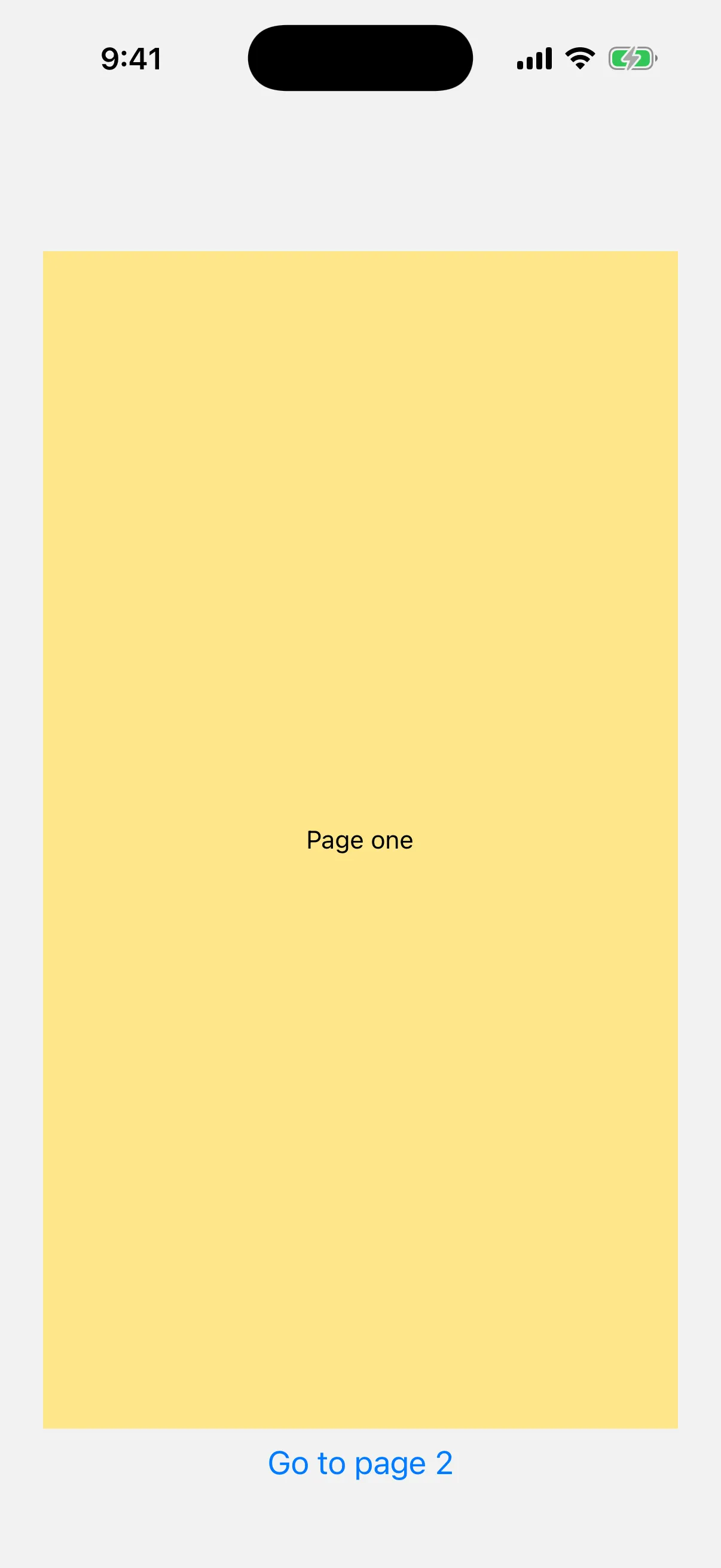
        <View key="one" style={[styles.page, { backgroundColor: '#fde68a' }]}>
          <Text>Page one</Text>
        </View>
        <View key="two" style={[styles.page, { backgroundColor: '#bfdbfe' }]}>
          <Text>Page two</Text>
        </View>
        <View key="three" style={[styles.page, { backgroundColor: '#bbf7d0' }]}>
          <Text>Page three</Text>
        </View>
      </PagerView>

      <Button title="Go to page 2" onPress={() => pagerRef.current?.setPage(1)} />
    </View>
  );
}

const styles = StyleSheet.create({
  page: { flex: 1, alignItems: 'center', justifyContent: 'center' },
});

Platform behavior
Web is not supported and rendering PagerView on web throws at runtime.
| Feature | iOS |
|---|---|
| Minimum platform version | iOS 17+ for paging. On iOS 16, the view scrolls horizontally but pages don't snap |
onPageScroll / onPageScrollStateChanged | iOS 18+ only. On iOS 17, they never fire and the component logs a development warning on mount |
Animated setPage | Routes through react-native-worklets. Falls back to a non-animated jump if the package is not installed |
layoutDirection | ✗ |
offscreenPageLimit | ✗ |
pageMargin | ✗ |
Additional differences from upstream react-native-pager-view:
orientation="vertical",keyboardDismissMode,overdrag, andoverScrollModeare not supported. Only horizontal paging is available, and the others fall back to the platform pager's defaults.- The
usePagerViewhook is not provided. Use areftoPagerViewto accesssetPage,setPageWithoutAnimation, andsetScrollEnabled. setScrollEnabledtriggers a re-render so the new value flows through to the native view as a prop. It is still useful for toggling from non-React contexts such as a ref-based gesture handler.- The
borderRadiusstyle applies on both platforms. On Android, only numeric values clip the pager. The underlying Compose host silently drops string values such as'50%'.
API
import PagerView from '@expo/ui/community/pager-view';Component
PagerView
Type: React.Element<PagerViewProps>
A drop-in replacement for react-native-pager-view. Renders a horizontally paged view backed by Jetpack Compose's HorizontalPager on Android and SwiftUI on iOS. Each child is treated as a separate page.
Props for the PagerView component. Compatible with react-native-pager-view.
PagerViewProps
children
Optional • Type: ReactNode
Pages of the pager. Each child is treated as a separate page and stretched to fill the pager. Each child should have a stable key.
initialPage
Optional • Type: number • Default: 0
Index of the page that is initially selected. Read once on mount; later changes are ignored. To navigate after mount, call ref.setPage() or ref.setPageWithoutAnimation().
onPageScroll
iOS 18+Optional • Type: (event: PagerViewOnPageScrollEvent) => void
Fires continuously while a swipe is in progress. The event's position is the index of the leading visible page; offset is the fractional progress toward the next page in the [0, 1) range.
Mark this handler with 'worklet' (requires react-native-worklets) to run it synchronously on the UI thread every frame.
onPageScrollStateChanged
iOS 18+Optional • Type: (event: PageScrollStateChangedEvent) => void
Fires when the scroll state changes between idle, dragging, and settling.
onPageSelected
Optional • Type: (event: PagerViewOnPageSelectedEvent) => void
Fires when a page is fully selected. The event's position is the index of the new page.
ref
Optional • Type: Ref<PagerViewRef>
Ref handle exposing imperative setPage, setPageWithoutAnimation, and setScrollEnabled methods.
scrollEnabled
Optional • Type: boolean • Default: true
Whether the user can swipe between pages.
Inherited props
Types
PagerViewOnPageScrollEvent
Type: NativeSyntheticEvent<PagerViewOnPageScrollEventData>
PagerViewOnPageScrollEventData
Type: Readonly<{ offset: number, position: number }>
PagerViewOnPageSelectedEvent
Type: NativeSyntheticEvent<PagerViewOnPageSelectedEventData>
PagerViewOnPageSelectedEventData
Type: Readonly<{ position: number }>
PagerViewRef
Ref handle for the PagerView component.
| Property | Type | Description |
|---|---|---|
| setPage | (selectedPage: number) => void | Animate the pager to the given page index. Out-of-range indices are silently ignored. On iOS the animation requires react-native-worklets; without it, setPage falls back to a non-animated jump. |
| setPageWithoutAnimation | (selectedPage: number) => void | Jump to the given page index without an animation. |
| setScrollEnabled | (scrollEnabled: boolean) => void | Imperatively enable or disable user scrolling. Note: If the scrollEnabled prop is also provided, subsequent prop changes win and reset the value set imperatively. To use the imperative path exclusively, omit the prop. |
PageScrollStateChangedEvent
Type: NativeSyntheticEvent<PageScrollStateChangedEventData>
PageScrollStateChangedEventData
Type: Readonly<{ pageScrollState: 'idle' | 'dragging' | 'settling' }>
Modifiers
This component does not accept SwiftUI modifiers.
Sources
The original Expo docs for this page:
- PagerView (Drop-in) (
source-of-truth/versions/v57.0.0/sdk/ui/drop-in-replacements/pagerview.md)