MaskedView
A masked view compatible with @react-native-masked-view/masked-view.
A MaskedView component with an API compatible with @react-native-masked-view/masked-view. The opaque pixels of maskElement reveal the masked content behind it; transparent pixels hide it.
Under the hood this component bridges arbitrary React Native children into the platform-specific @expo/ui masking primitives:
- iOS: SwiftUI
.maskmodifier.
Migrating from @react-native-masked-view/masked-view
- Update the import from
import MaskedView from '@react-native-masked-view/masked-view'toimport { MaskedView } from '@expo/ui/community/masked-view'. - The
androidRenderingModeprop is not supported. The Compose-based implementation always uses an offscreen graphics layer, so the prop has no equivalent and is omitted from the public types. - Web is not implemented. On web, children render unmasked and a one-time console warning is logged. For web targets, prefer the CSS primitive that fits your specific case:
- Gradient text —
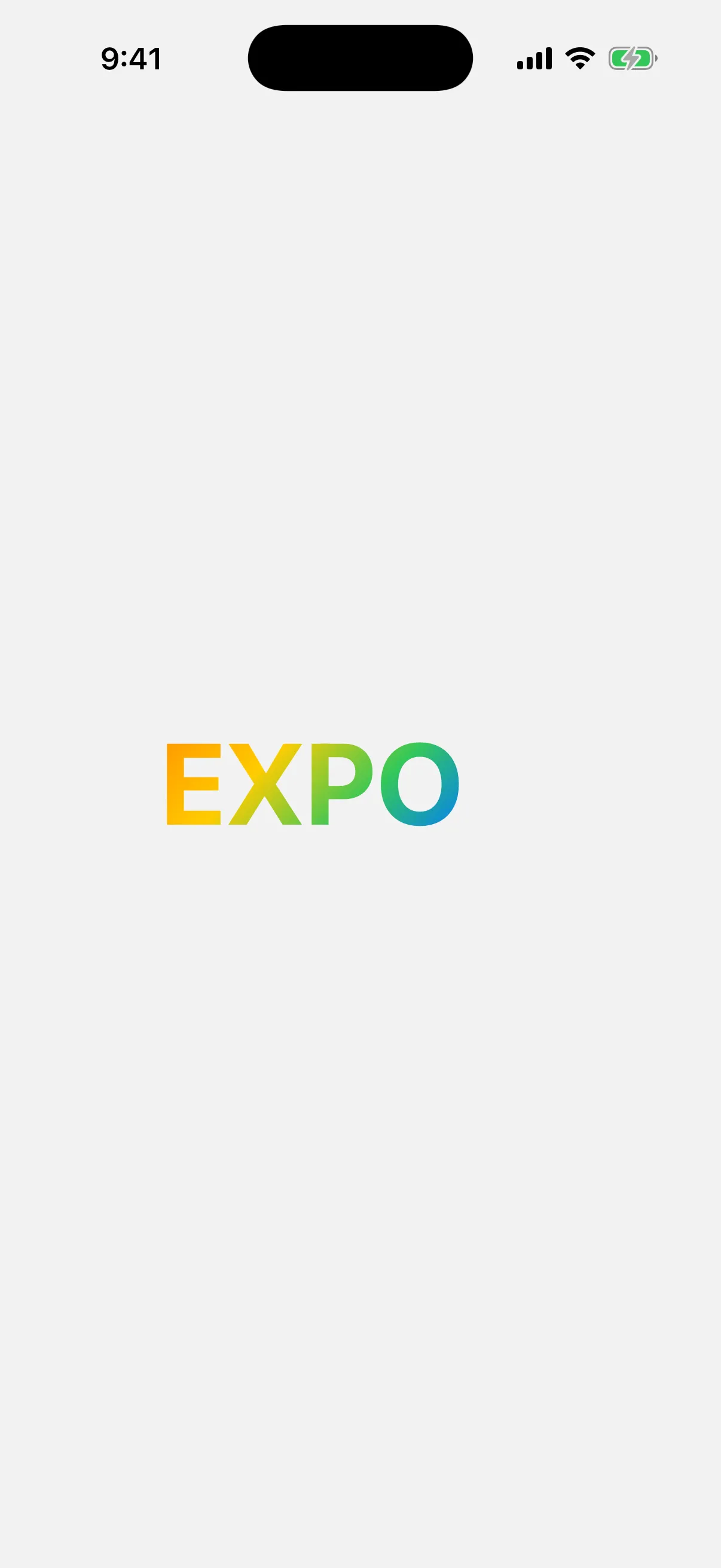
background-clip: textwithcolor: 'transparent'and a CSS gradient/image as the background. - Alpha fade —
mask-image: linear-gradient(...)(orWebkitMaskImage) directly on the content view. - Shape mask (circle, rounded rectangle, and so on) —
clip-path: circle(...)/inset(...)/path(...), orborder-radius+overflow: 'hidden'.
- Gradient text —
Basic usage
import { MaskedView } from '@expo/ui/community/masked-view';
import { StyleSheet, Text, View } from 'react-native';

export default function MaskedViewExample() {
  return (
    <MaskedView
      style={{ width: 300, height: 80 }}
      maskElement={
        <View style={{ flex: 1, alignItems: 'center', justifyContent: 'center' }}>
          <Text style={{ fontSize: 64, fontWeight: 'bold' }}>EXPO</Text>
        </View>
      }>
      <View
        style={[
          StyleSheet.absoluteFill,
          {
            experimental_backgroundImage:
              'linear-gradient(135deg, #FF3B30, #FF9500, #FFCC00, #34C759, #007AFF, #AF52DE)',
          },
        ]}
      />
    </MaskedView>
  );
}

Alpha-fade mask
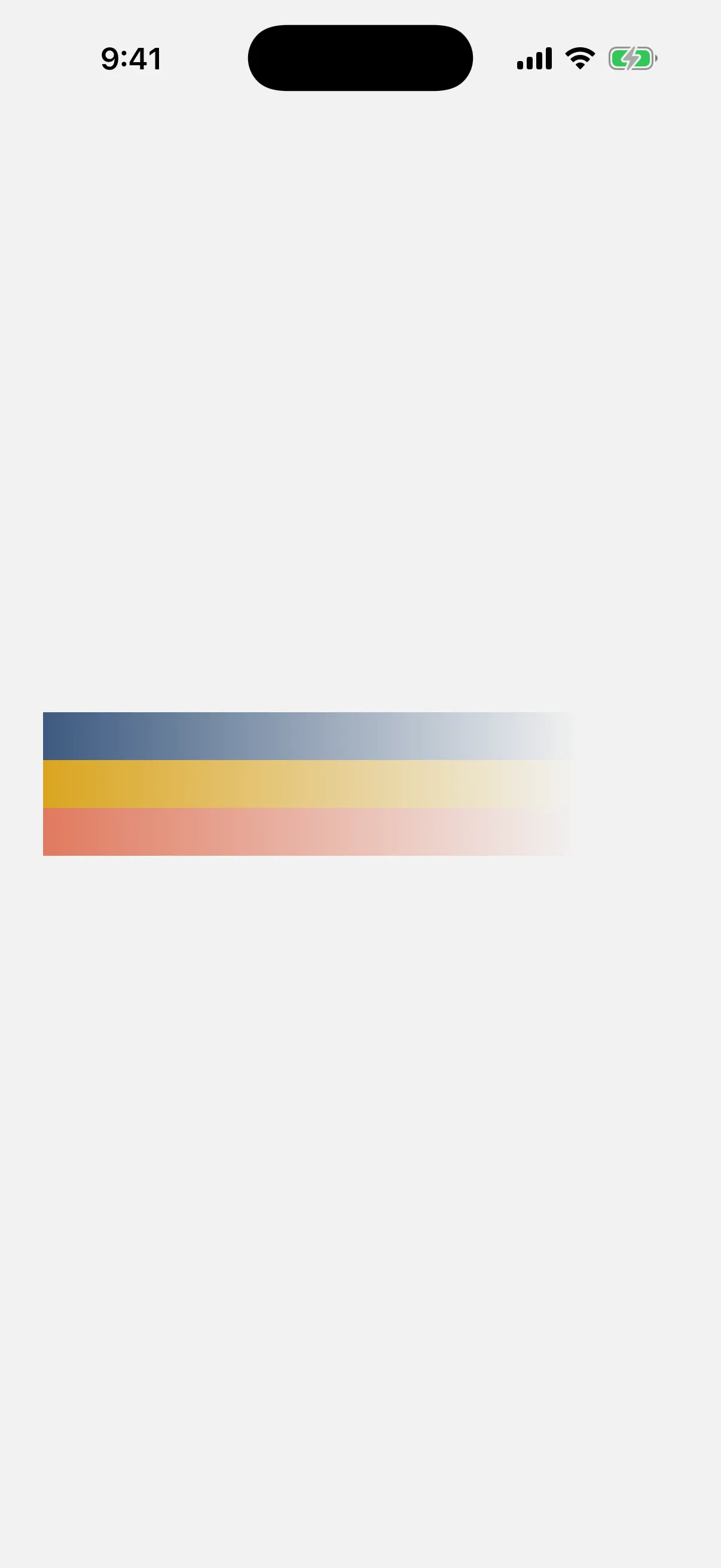
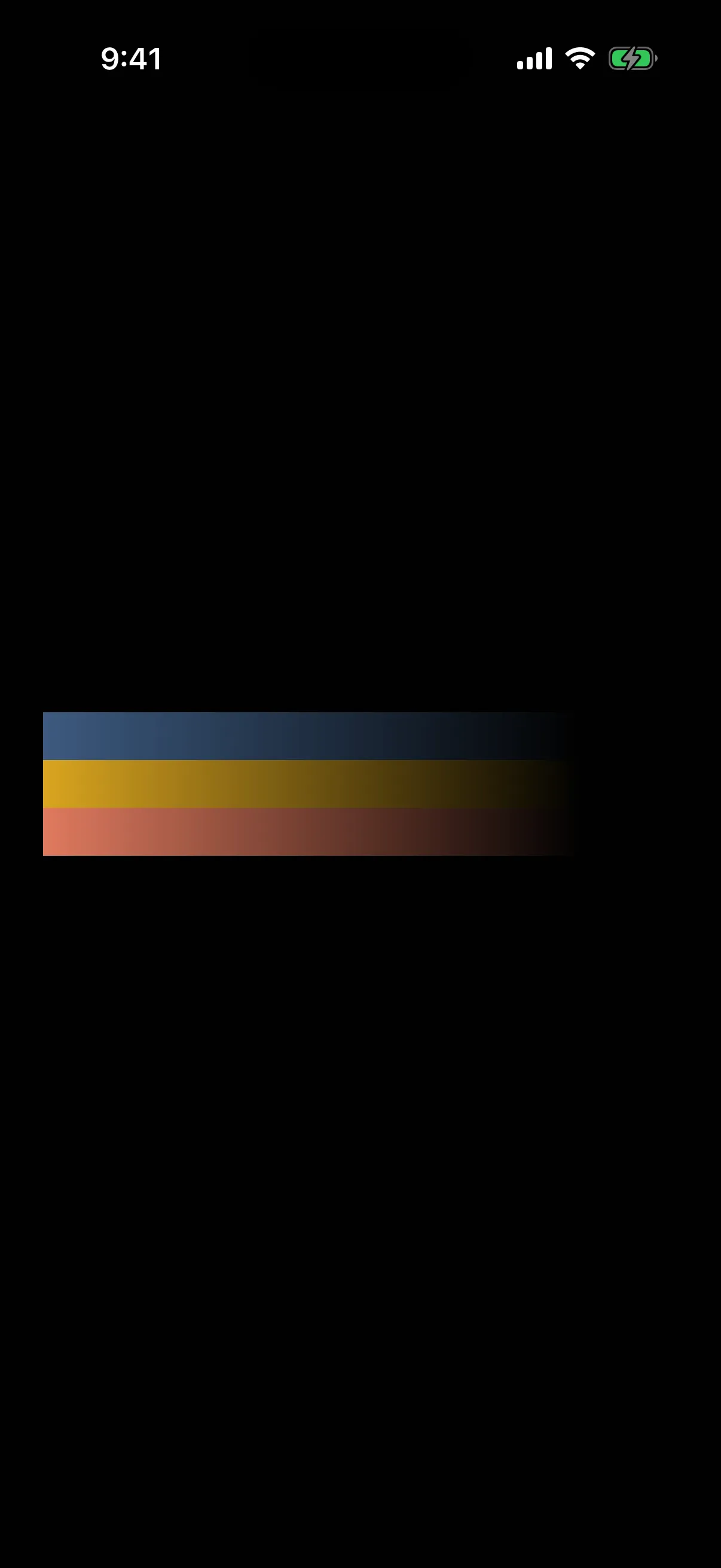
Only the alpha channel of the maskElement matters: opaque pixels reveal content, transparent pixels hide it. Use a LinearGradient (from expo-linear-gradient) that goes from opaque to transparent — 'black' (for example) to 'transparent' below — to fade content out along an axis.
import { MaskedView } from '@expo/ui/community/masked-view';
import { LinearGradient } from 'expo-linear-gradient';
import { StyleSheet, View } from 'react-native';

export default function AlphaFadeExample() {
  return (
    <MaskedView
      style={{ width: 300, height: 80, flexDirection: 'row' }}
      maskElement={
        <LinearGradient
          colors={['black', 'transparent']}
          start={{ x: 0, y: 0 }}
          end={{ x: 1, y: 0 }}
          style={StyleSheet.absoluteFill}
        />
      }>
      <View style={{ flex: 1, backgroundColor: '#3D5A80' }} />
      <View style={{ flex: 1, backgroundColor: '#DAA520' }} />
      <View style={{ flex: 1, backgroundColor: '#E07A5F' }} />
    </MaskedView>
  );
}
API
import { MaskedView } from '@expo/ui/community/masked-view';Component
MaskedView
Type: React.Element<MaskedViewProps>
Renders children with the alpha channel of maskElement applied as a mask: opaque pixels of maskElement reveal children, transparent pixels hide them.
API-compatible with @react-native-masked-view/masked-view.
Drop-in props for @react-native-masked-view/masked-view's MaskedView.
MaskedViewProps
children
Optional • Type: ReactNode
Content rendered behind the mask.
maskElement
Type: ReactElement
The element used as the mask. Only opaque pixels of maskElement make the masked content visible — transparent pixels hide it.
Inherited props
Modifiers
This component does not accept SwiftUI modifiers.
Sources
The original Expo docs for this page:
- MaskedView (Drop-in) (
source-of-truth/versions/v57.0.0/sdk/ui/drop-in-replacements/maskedview.md)